
 January 29, 2026
 11 min read
The automotive industry moves at lightning speed every single day. Dealerships and fleet managers must handle a massive volume of paperwork to keep operations running smoothly. One of the most critical yet tedious tasks is the need to Convert Car PDF to Excel for accurate record-keeping and inventory management.
Traditional manual entry is no longer sustainable. Using an AI-powered automotive data conversion tool like pdftoexcelconverter.ai can transform your dealership’s productivity by turning static car contracts into actionable digital data.
The Challenge of Manual Automotive Data Entry
Many dealerships feel stuck in a “manual entry bottleneck.” When you try to convert car contracts from PDF to Excel by hand, you invite human error. A single typo in a Vehicle Identification Number (VIN), an interest rate, or a purchase price can lead to significant financial loss and legal complications.
By choosing to Convert Car PDF to Excel through automation, you free your staff to focus on selling cars instead of typing numbers into a spreadsheet. Intelligent software ensures that every row and column is captured with high precision.
Why pdftoexcelconverter.ai is the Best Solution for Auto Data
Unlike basic OCR tools that get confused by complex document layouts, pdftoexcelconverter.ai uses advanced semantic AI to understand the context of automotive forms.
1. High-Precision VIN and Field Extraction
Our AI is specifically trained to extract automotive data such as VINs, engine specs, and trim levels. It recognizes these technical strings instantly, ensuring your inventory records are 100% accurate.
2. Semantic Understanding of Complex Contracts
Car contracts are famous for their multi-page layouts and fine print. Our Convert Car PDF to Excel engine understands the difference between the buyer’s name, the co-signer, and the dealer’s information. It preserves the logical structure of the document, so you don’t have to fix misaligned cells later.
3. Digitizing Finance & Insurance (F&I) Data
The finance office is often the busiest part of a dealership. To process loans quickly, you need to convert car contracts from PDF to Excel to verify down payments, monthly installments, and APRs. Speeding up this process means happier customers and faster deal closures.
4. Fleet and Inventory Management at Scale
Managing a fleet of thousands of vehicles requires total organization. You can batch convert car PDF to Excel to update your entire inventory in minutes. Whether it’s mileage logs or service reports, our tool handles large volumes of files without slowing down.
5. Enterprise-Grade Security for Sensitive Data
Car contracts contain sensitive Personal Identifiable Information (PII). When you Convert Car PDF to Excel on our platform, we use 256-bit encryption. We are fully compliant with GDPR and data privacy standards, ensuring all files are deleted automatically after processing.
Real-World Applications in the Automotive Sector
The ability to extract automotive data accurately is a game-changer for various business models:
-
Dealerships: Sync sales data directly from signed PDFs into your Dealer Management System (DMS).
-
Logistics & Transport: Convert bills of lading and vehicle inspection reports into searchable spreadsheets.
-
Insurance Companies: Quickly audit car insurance policies and claim forms by moving data into Excel for analysis.
-
Car Auctions: Process large batches of vehicle titles and registration documents before a sale.
Comparison: AI Conversion vs. Manual Entry
| Feature | Manual Entry | pdftoexcelconverter.ai (AI) |
| Speed | 20-30 minutes per contract | < 30 seconds |
| Accuracy | High risk of typos (VIN/Price) | 99.9% AI Precision |
| Scalability | Limited by staff hours | Unlimited batch processing |
| Cost | High (Labor intensive) | Low (Automated) |
How to Convert Car PDF to Excel (4 Simple Steps)
[caption id="attachment_295" align="alignnone" width="1200"]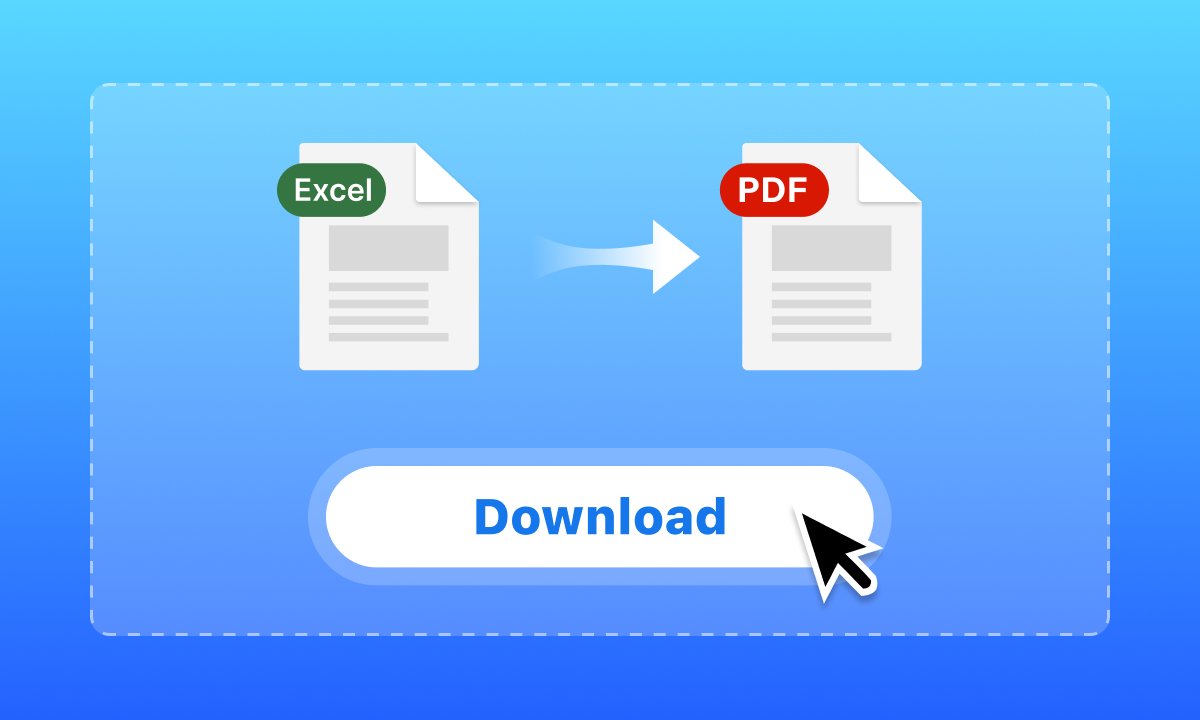 Need to Convert Car PDF to Excel? pdftoexcelconverter.ai uses AI to extract automotive data, VIN numbers, and pricing from car contracts with 100% accuracy. Try it free![/caption]
Digitizing your automotive workflow is easy with our AI PDF to Excel converter:
-
Upload: Securely drag and drop your car contracts or titles into our system.
-
AI Parsing: Our engine automatically identifies tables, VINs, and financial fields.
-
Review: Preview the extracted data to ensure everything is perfect.
-
Download: Export your clean, formatted Excel file (.xlsx) and import it into your CRM or DMS.
Frequently Asked Questions (FAQ)
Can I convert scanned car titles to Excel?
Yes! Our advanced OCR technology can Convert Car PDF to Excel even from blurry scans or photos of paper documents.
Does the tool recognize VIN numbers?
Absolutely. The AI is optimized to recognize and validate the 17-character VIN format used in the automotive industry.
Can I process 100 contracts at once?
Yes, our Professional and Enterprise plans allow for high-volume batch processing to extract automotive data from hundreds of files simultaneously.
Conclusion: Drive Your Business Forward
Don’t let your data stay trapped in paper files or static PDFs. To scale your dealership in a digital world, you must be able to Convert Car PDF to Excel with speed and accuracy.
pdftoexcelconverter.ai provides the precision, security, and efficiency that modern automotive professionals demand. Join the thousands of dealerships worldwide that trust our AI-powered tool for their data digitization needs.
[Button: Start Your Free Trial at pdftoexcelconverter.ai]


