
 February 16, 2026
 11 min read
AI Conversion to Excel: Master Data Automation and Accuracy
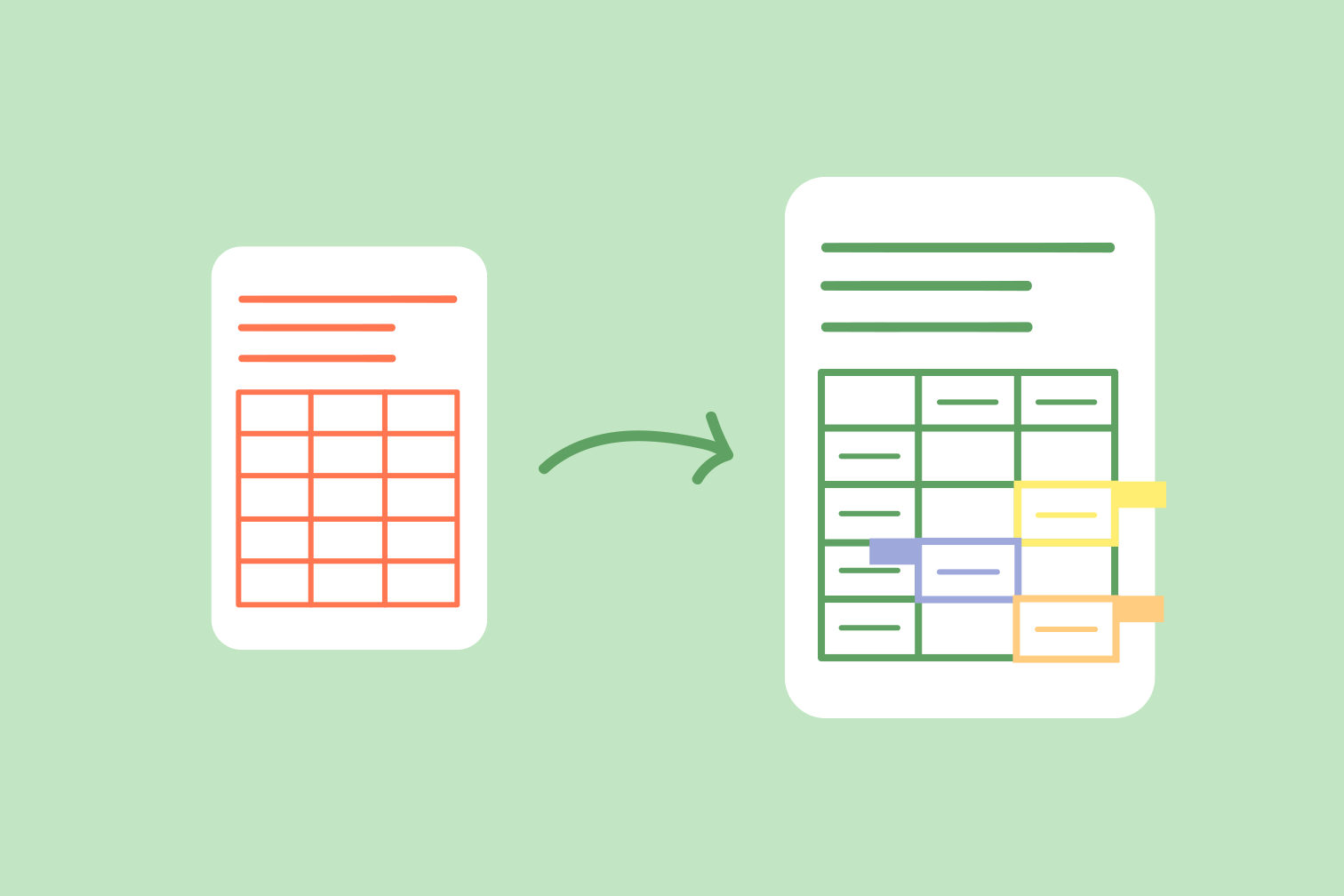
The era of manual data entry is officially coming to an end. In today’s fast-paced digital world, smart offices are increasingly relying on AI conversion to Excel to save time and reduce operational costs. Copying and pasting numbers from static documents can be a nightmare for any professional, leading to fatigue and expensive human errors.
Modern businesses demand a faster, more reliable way to handle critical information. By leveraging AI conversion to Excel, you can transform unstructured data into organized spreadsheets in seconds. In this guide, we will explore the global trends driving this change and how you can master data automation with pdftoexcelconverter.ai.
Global Trends in AI Document-to-Excel Conversion
The shift toward AI conversion to Excel is a major trend in digital transformation. Research indicates that employees lose nearly 20% of their productive time on repetitive administrative tasks, such as typing data from paper into spreadsheets.
Earlier software often failed to read complex table layouts or messy lines. However, modern AI conversion to Excel technology has changed the game using semantic intelligence. It doesn’t just “see” text; it understands how data should be logically organized. This evolution makes AI-powered tools a survival mechanism for businesses of all sizes, allowing them to process huge volumes of documents without expanding their data entry teams.
How AI PDF to Excel Technology Saves Time
Time is the most valuable asset in business. Choosing AI PDF to Excel solutions allows you to refocus your energy on sales and strategy rather than manual labor.
1. Unlocking Data from Static PDFs
Most corporate reports are saved as PDFs—perfect for viewing, but impossible to edit. AI PDF to Excel tools unlock this “trapped” data. The software recognizes where one column ends and the next begins, preserving the original formatting perfectly. This level of precision is far superior to traditional copy-paste methods.
2. High-Precision Financial Audits
Precision is paramount in accounting. Finance teams use AI PDF to Excel to process thousands of monthly bank statements. What used to take weeks of human labor can now be completed in a single afternoon, providing a perfect audit trail and reducing the risk of fraud.
Breaking Data Silos with AI IMG OCR and JPG Extraction
Not all documents are digital. Logistics and healthcare industries often deal with physical paperwork that requires AI IMG OCR technology.
-
Logistics & Supply Chain: Drivers often take photos of delivery notes in poor lighting. AI IMG OCR can read these blurry images, extracting shipment details to update inventory levels in real-time. This ensures trucks stay moving and warehouse shelves are never unexpectedly empty.
-
Healthcare Accuracy: Doctors and nurses rely on AI JPG extraction to move medical charts into digital databases. This protects patient privacy while ensuring that clinical history is instantly accessible for researchers seeking new cures.
Why pdftoexcelconverter.ai is the Leader in Data Precision
When you need professional results, pdftoexcelconverter.ai stands out as the gold standard for AI conversion to Excel. While basic tools struggle with complex tasks, our platform is engineered for high-precision data management.
Advanced Table Recognition
One of the most difficult challenges in document processing is handling merged cells or nested headers. Our AI PDF to Excel algorithms are specifically trained to recognize these complex structures, keeping the table hierarchy perfectly intact.
Global Language and Security Support
Business happens in every language. pdftoexcelconverter.ai provides AI IMG OCR support for over 50 global scripts, including English, Vietnamese, Chinese, and Spanish. Furthermore, we prioritize your safety with end-to-end encryption for every AI JPG extraction job, ensuring full compliance with GDPR privacy rules.
The Future of Frictionless Data Workflows
As we look ahead, the role of AI conversion to Excel will only grow. We are moving toward a “paperless” office where data extraction happens the moment a document is created. Adopting these tools today ensures your company stays modern, eco-friendly, and competitive.
By connecting your AI conversion to Excel workflow to cloud systems like PowerBI or Tableau, you turn raw numbers into beautiful data visualizations, empowering your team to make smarter decisions.
Conclusion: Transform Your Workflow Today
AI conversion to Excel is the key to unlocking your company’s full potential. Whether you are using AI PDF to Excel for financial reports or AI IMG OCR for logistics, the benefits are clear: total accuracy, massive time savings, and increased employee happiness.
Don’t let your data stay trapped in static images or locked PDF files. Experience the precision of pdftoexcelconverter.ai and watch your productivity soar to new heights.


